
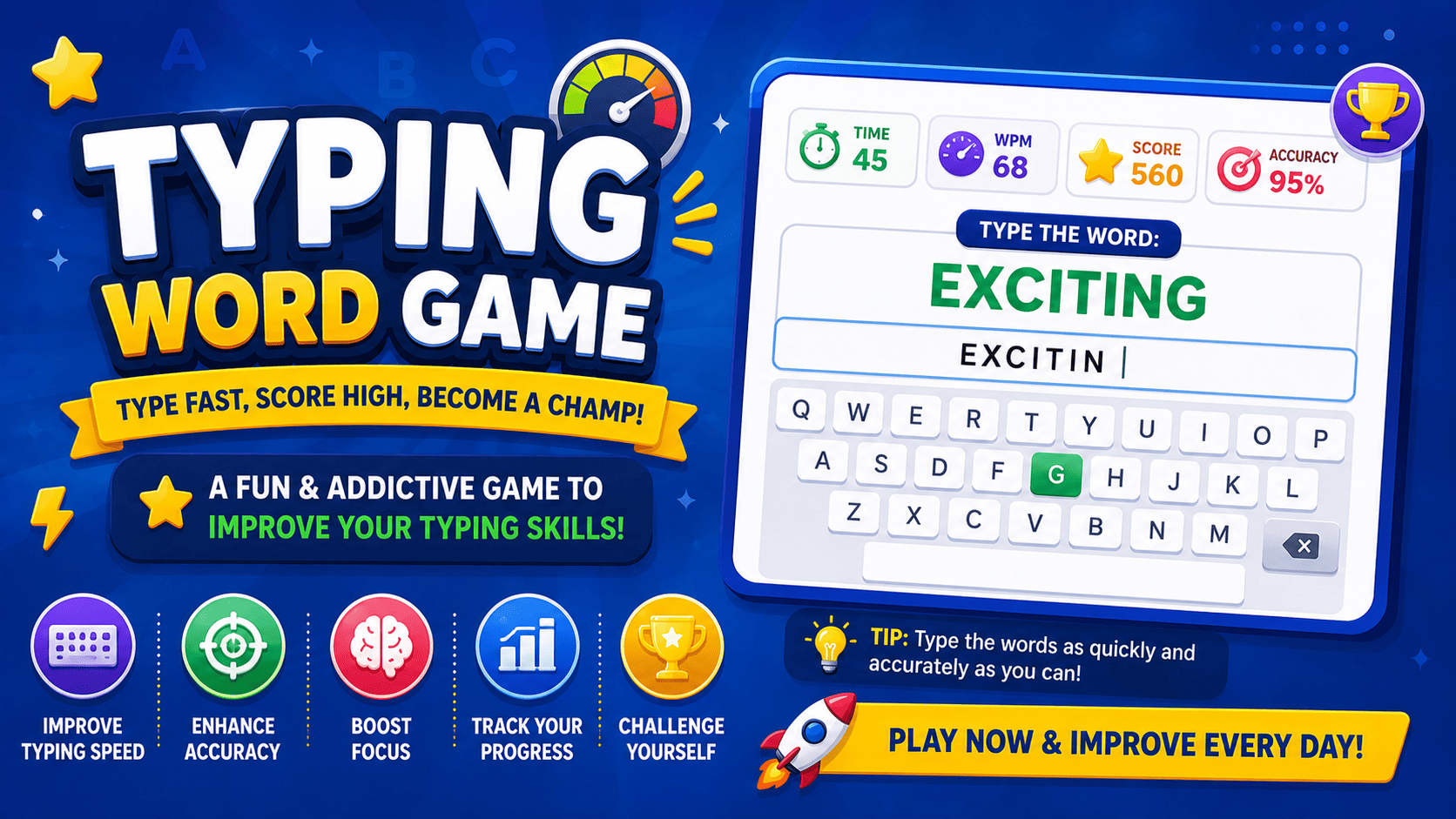
Typing Word Game is a free online typing game that measures word speed and accuracy during a sixty-second round. Play Typing Word Game to improve keyboard control, spelling, and typing fluency.
The Typing Word Game Challenge
Typing Word Game is a keyboard-based challenge where words appear on the screen and must be typed correctly before the timer ends. The game measures both typing speed and accuracy while gradually introducing new words.
What You Need to Do
Type each displayed word exactly as it appears. A correct entry loads the next word, while a spelling mistake may reduce accuracy, time, lives, or score.
Your performance may be measured through:
- Words typed correctly.
- Words per minute.
- Typing accuracy.
- Total keystrokes.
- Incorrect letters.
- Completed rounds.
- Remaining time.
- Highest score.
How to Play Typing Word Game
- Select the typing box.
- Read the word shown on the screen.
- Type the word using your keyboard.
- Check every letter before submitting.
- Press Enter or allow automatic submission.
- Continue typing new words until the round ends.
- Review your speed, score, and accuracy.
Example Typing Round
Displayed word:
Beautiful
Correct input:
Beautiful
Incorrect inputs:
- Beautifull
- Beatiful
- beautifl
- Beautifully
The typed answer must match the displayed word exactly according to the game’s accepted spelling rules.
Typing Word Game Rules
- Type only the word currently displayed.
- Enter letters in the correct order.
- Do not add unnecessary spaces or punctuation.
- Correctly typed words increase your score.
- Incorrect letters reduce typing accuracy.
- Skipping a word may affect your score.
- Complete as many words as possible before time expires.
- Restarting clears the current round’s progress.
Understanding Typing Speed
Typing speed is commonly measured in words per minute, also called WPM.
A higher WPM means you typed more words during the available time. However, typing quickly with many errors may produce a lower final result than typing slightly slower with strong accuracy.
Example
Player A:
- Speed: 45 WPM
- Accuracy: 98%
Player B:
- Speed: 60 WPM
- Accuracy: 70%
Here, Player A may receive a better overall result because the words were typed more accurately.
Understanding Accuracy
Accuracy measures how many keystrokes or words were entered correctly.
Typing accuracy may decrease when you:
- Press the wrong key.
- Miss a letter.
- Add an extra letter.
- Use the wrong letter order.
- Add an unnecessary space.
- Submit an incomplete word.
Strong typing performance requires a balance between speed and accuracy.
Typing Game Modes
Timed Mode
Type as many correct words as possible before the countdown reaches zero.
Word Count Mode
Complete a fixed number of words and try to finish them as quickly as possible.
Accuracy Mode
Type carefully while keeping mistakes below an allowed limit.
Survival Mode
Continue playing until too many incorrect words or letters are entered.
Increasing Difficulty Mode
Begin with simple words and progress toward longer or more complex vocabulary.
Falling Words Mode
Words move downward on the screen and must be typed before reaching the bottom.
Word Difficulty Levels
Beginner Words
Beginner rounds may contain short and familiar words such as:
- Cat
- Book
- Home
- Play
- Water
- Smile
Intermediate Words
Intermediate rounds may include longer everyday words:
- Picture
- Morning
- Teacher
- Quickly
- Journey
- Helpful
Advanced Words
Advanced rounds may contain difficult spelling patterns:
- Necessary
- Environment
- Vocabulary
- Achievement
- Responsibility
- Communication
Typing Word Game Features
- Random word challenges.
- Live typing input.
- Automatic word checking.
- Countdown timer.
- Words-per-minute measurement.
- Accuracy calculation.
- Score and progress tracking.
- Mistake highlighting.
- New-round and restart controls.
- Mobile and desktop support.
A Better Way to Type Each Word
Read Before Typing
Look at the complete word before pressing the first key. Starting too quickly can cause missing or rearranged letters.
Type in Natural Groups
Break longer words into smaller parts.
Example:
Communication
Think of it as:
com + muni + cation
Watch the Current Letter
Focus on the next letter instead of repeatedly looking at the entire word.
Correct Mistakes Immediately
Use Backspace as soon as you notice an incorrect character rather than continuing with the wrong spelling.
Submit Only When Complete
Check the final letter before pressing Enter.
Keyboard Position for Better Typing
Place your fingers near the home-row keys:
- Left little finger: A
- Left ring finger: S
- Left middle finger: D
- Left index finger: F
- Right index finger: J
- Right middle finger: K
- Right ring finger: L
- Right little finger: ;
Keep both thumbs near the space bar.
Using consistent finger positions reduces unnecessary hand movement and helps build muscle memory.
Tips for Increasing Typing Speed
Prioritize Accuracy First
Build accurate typing habits before trying to type at maximum speed.
Keep Your Eyes on the Screen
Avoid looking down at the keyboard after every letter. Use the screen to monitor words and mistakes.
Use More Than Two Fingers
Typing with several fingers is usually faster and more efficient than searching for each key individually.
Maintain a Steady Rhythm
Type at a comfortable and consistent pace instead of rushing through one word and stopping before the next.
Practise Difficult Letter Combinations
Spend extra time on combinations such as:
- th
- sh
- ch
- ing
- tion
- str
- ough
- ment
Repeat Difficult Words
When a word causes repeated errors, type it several times slowly before increasing speed.
How to Improve Accuracy
- Read the complete word first.
- Use the correct finger for each key.
- Slow down when words become longer.
- Avoid pressing Enter too early.
- Check repeated letters carefully.
- Watch for silent letters.
- Notice uppercase and lowercase requirements.
- Review frequently misspelled words.
Common Typing Errors
Missing Letters
Incorrect:
enviroment
Correct:
environment
Extra Letters
Incorrect:
successfull
Correct:
successful
Reversed Letters
Incorrect:
freind
Correct:
friend
Wrong Vowels
Incorrect:
definate
Correct:
definite
Incorrect Double Letters
Incorrect:
accomodate
Correct:
accommodate
Accidental Spaces
Incorrect:
key board
Correct:
keyboard
Mistakes That Reduce Your Score
- Typing before reading the word.
- Looking at the keyboard too often.
- Pressing random keys to save time.
- Ignoring highlighted errors.
- Continuing after an incorrect letter.
- Using only one or two fingers.
- Sacrificing accuracy for speed.
- Pressing Enter before completing the word.
- Sitting in an uncomfortable position.
- Restarting whenever the score begins poorly.
Typing Word Game Scoring
A scoring system may reward:
- Correct words.
- Consecutive correct answers.
- High typing speed.
- Strong accuracy.
- Longer words.
- Remaining time.
- Error-free streaks.
Points may be reduced for:
- Incorrect letters.
- Misspelled words.
- Skipped challenges.
- Repeated mistakes.
- Slow completion.
- Expired words.
What Is a Typing Streak?
A typing streak is a sequence of words entered correctly without making a mistake.
Example:
- Word 1: Correct
- Word 2: Correct
- Word 3: Correct
- Word 4: Correct
Current streak: 4
A mistake may reset the streak counter. Longer streaks may provide bonus points.
Skills Developed Through Typing Practice
Typing Word Game can strengthen:
- Keyboard familiarity.
- Typing speed.
- Spelling accuracy.
- Hand-eye coordination.
- Vocabulary recognition.
- Concentration.
- Reaction time.
- Reading speed.
- Finger control.
- Digital writing confidence.
Typing Word Game for English Learners
English learners can practise spelling and keyboard skills at the same time. Each displayed word must be read, understood, remembered briefly, and typed in the correct order.
The game can help learners:
- Recognize complete word forms.
- Remember difficult spellings.
- Notice repeated letters.
- Practise common vocabulary.
- Read words more quickly.
- Build confidence with English keyboards.
Typing Word Game for Students
Students can use the game for:
- Keyboard practice.
- Spelling revision.
- Computer-class activities.
- Classroom competitions.
- Vocabulary review.
- Homework exercises.
- Timed challenges.
- Independent practice.
Teachers may create rounds using words from a current lesson, spelling list, subject, or vocabulary topic.
Why Typing Skills Are Important
Typing is used in many everyday and educational tasks, including:
- Writing assignments.
- Sending emails.
- Completing online forms.
- Taking digital notes.
- Searching the internet.
- Writing reports.
- Creating presentations.
- Communicating through messages.
- Entering data.
- Completing online tests.
Faster and more accurate typing can make these tasks easier and more efficient.
Suggested Practice Routine
First Round: Accuracy
Type slowly and aim for nearly error-free words.
Second Round: Rhythm
Maintain a steady pace without long pauses.
Third Round: Speed
Increase typing speed while keeping mistakes under control.
Final Round: Review
Identify the words and letters that caused the most errors.
Short, regular practice sessions are usually more useful than one long and tiring session.
Frequently Asked Questions
What is Typing Word Game?
Typing Word Game is an interactive challenge where players type displayed words correctly to improve speed, spelling, and keyboard accuracy.
What does WPM mean?
WPM means words per minute. It estimates how many words you can type during one minute.
Is speed more important than accuracy?
No. Strong typing requires both speed and accuracy. Fast typing with many mistakes is less useful than controlled, accurate typing.
What happens when I type a wrong letter?
The game may highlight the mistake, reduce accuracy, pause progress, or require you to correct the word.
Can I use Backspace?
Yes. When corrections are allowed, use Backspace to remove incorrect characters before submitting the word.
Does the game improve spelling?
Yes. Repeatedly reading and typing complete words helps reinforce correct letter order and spelling patterns.
Is Typing Word Game suitable for beginners?
Yes. Beginners can start with short words, slower rounds, and no strict time limit.
Are advanced words included?
Advanced levels may include longer vocabulary, difficult spellings, and faster time limits.
Can students use this game?
Yes. It is useful for keyboard training, spelling practice, computer classes, and vocabulary revision.
Can I replay a typing round?
Yes. Use the restart or new-round option to practise with another word set.
Can I play on a mobile phone?
The game may work with a mobile touchscreen keyboard, but a physical keyboard on a laptop or desktop usually provides better typing practice.
Explore More Word Games
Explore more spelling quizzes, vocabulary challenges, timed games, memory activities, and word puzzles from the Word Games collection.
- Daily Word Guess
- Word Scramble
- Word Search Puzzle
- Hangman Game
- Anagram Builder
- Spelling Quiz
- Missing Letter Game
- Word Chain Game
- Daily Word Challenge
- Timed Word Finder
- Vocabulary Meaning Quiz
- Synonym and Antonym Quiz
- Mini Crossword
- Word Ladder
- Homophone Quiz
- Prefix and Suffix Quiz
- Commonly Confused Words Game
- Word Category Sort
- Word Memory Match