
Parts of a Computer help learners know the names of important computer components used in schools, homes, and offices. In this blog post, you will read the names of different computer parts with pictures and easy explanations that help beginners identify each part more easily. These computer terms help learners improve vocabulary and speak about technology with more confidence in daily conversations. Students and teachers can also use these examples to build strong computer knowledge and understand many important parts used in everyday computer work.
List of Parts of a Computer
- CPU (Central Processing Unit)
- Motherboard
- RAM (Random Access Memory)
- Hard Drive (HDD/SSD)
- Power Supply
- Graphics Processing Unit (GPU)
- Optical Drive (DVD/CD)
- Sound Card
- Cooling System (Fans, Heatsinks, Liquid Cooling)
- Case (Chassis)
- Keyboard
- Mouse
- Monitor
- Network Interface Card (NIC)
- USB Ports
- Ethernet Port
- Speakers
- Webcam
- Touchpad (for laptops)
- BIOS/UEFI
- Expansion Slots
- Printers
- Power Cables
- Wi-Fi Adapter
Parts of a Computer with Uses and Images
CPU (Central Processing Unit):
The main “brain” of the computer processes tasks and calculations, helping your programs run.
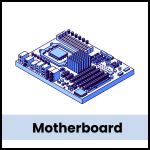
Motherboard:
The large board connects and holds all parts of the computer, letting them communicate with each other.
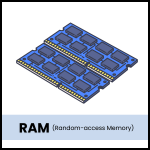
RAM (Random Access Memory):
Temporary memory that stores data while you use it, making programs and files open faster.
Hard Drive (HDD/SSD):
Stores files, software, and the operating system. HDDs offer more space, while SSDs are faster.

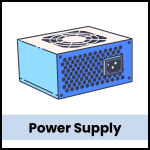
Power Supply:
Supplies electricity to all computer components, keeping everything powered and running smoothly.
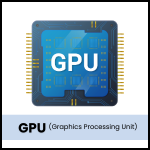
GPU (Graphics Processing Unit):
Handles visuals like images and video, making them appear clearly on your screen.
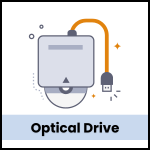
Optical Drive (DVD/CD):
Reads and writes information on CDs or DVDs, allowing you to play movies or install software.
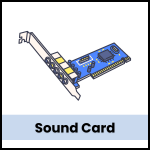
Sound Card:
Manages audio output, helping you hear sounds from your speakers or headphones.
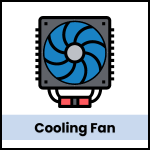
Cooling System (Fans, Heatsinks, Liquid Cooling):
Prevents the computer from overheating by keeping components cool.
Case (Chassis):
Holds all components together in a protective shell, keeping them safe and organized.

Keyboard:
Used for typing and giving commands to the computer.
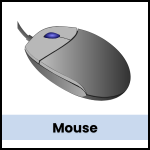
Mouse:
Lets you point, click, and navigate through the computer.
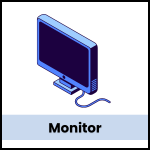
Monitor:
Displays what’s happening on the computer, like a digital screen for viewing programs and media.
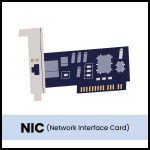
Network Interface Card (NIC):
Connect your computer to the internet through a wired or wireless connection.
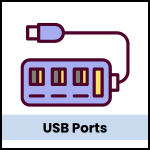
USB Ports:
Ports where you can plug in extra devices like USB drives, keyboards, or mice.
Ethernet Port:
Connects to the internet through a wired cable for a more stable connection.
Speakers:
Output sound from your computer, so you can hear music, videos, and system sounds.

Webcam:
Captures video and photos, mostly used for video calls.

Touchpad (for laptops):
Works like a mouse, allowing you to move the cursor by touch.

BIOS/UEFI:
Software that starts the computer and checks that everything is working before the operating system loads.
Expansion Slots:
Allows you to add extra parts, like graphics cards or sound cards, for additional functions.
Printer:
Prints documents and images from the computer onto paper.
Power Cables:
Provide electricity to the computer and connect it to a power outlet.
Wi-Fi Adapter:
Allows wireless internet access, especially useful for laptops without an Ethernet connection.

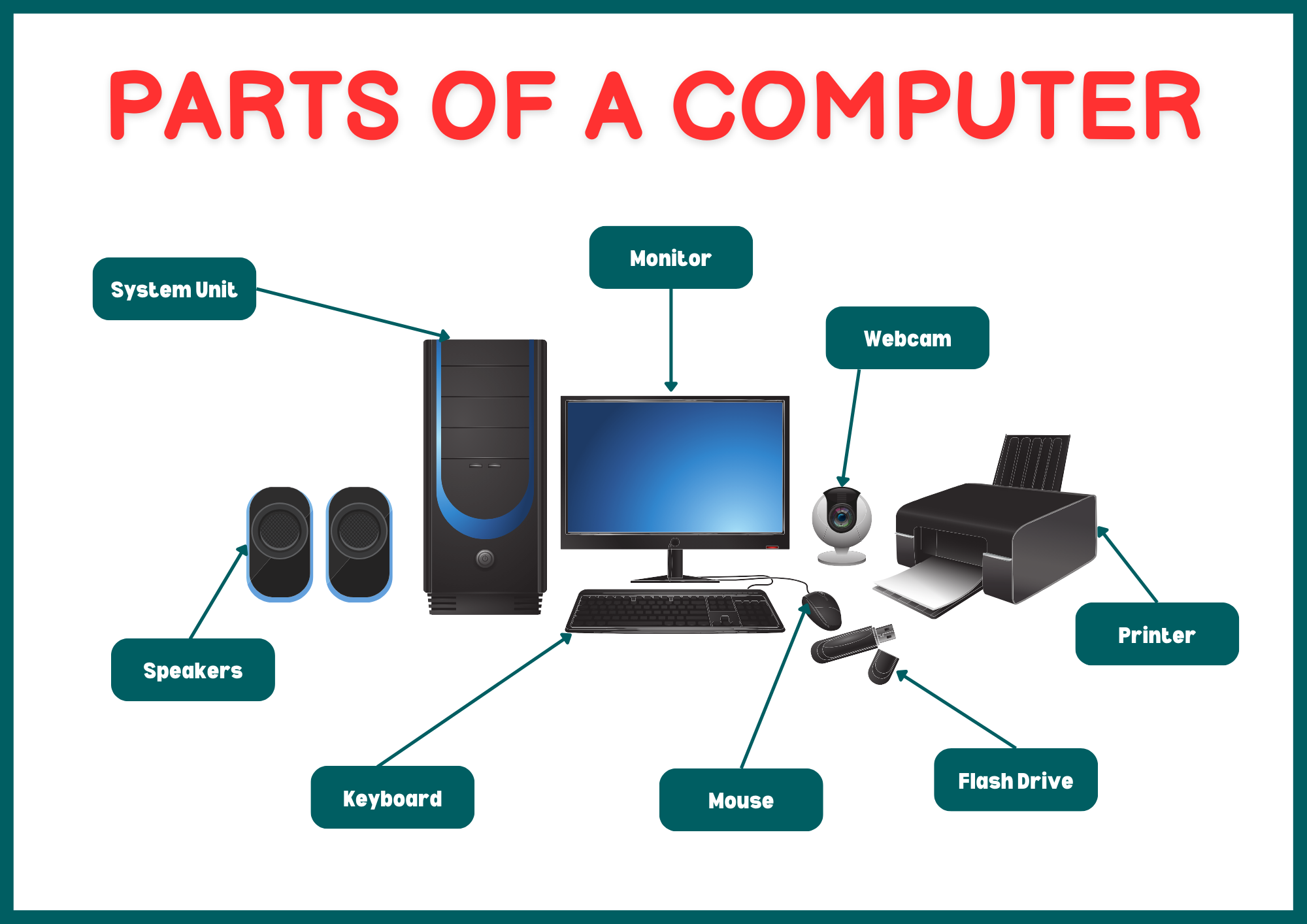
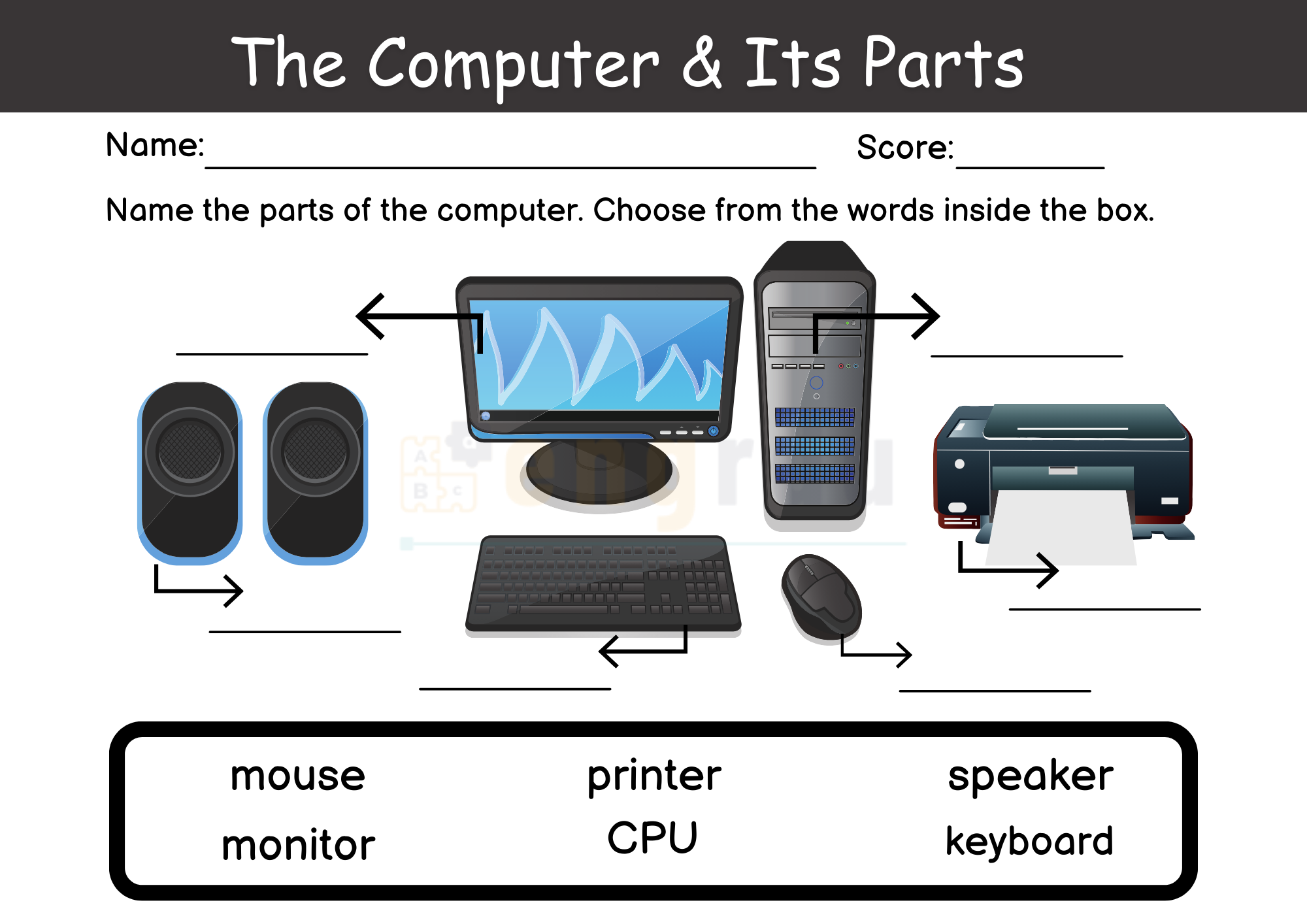
Computer Parts Worksheet
Read More